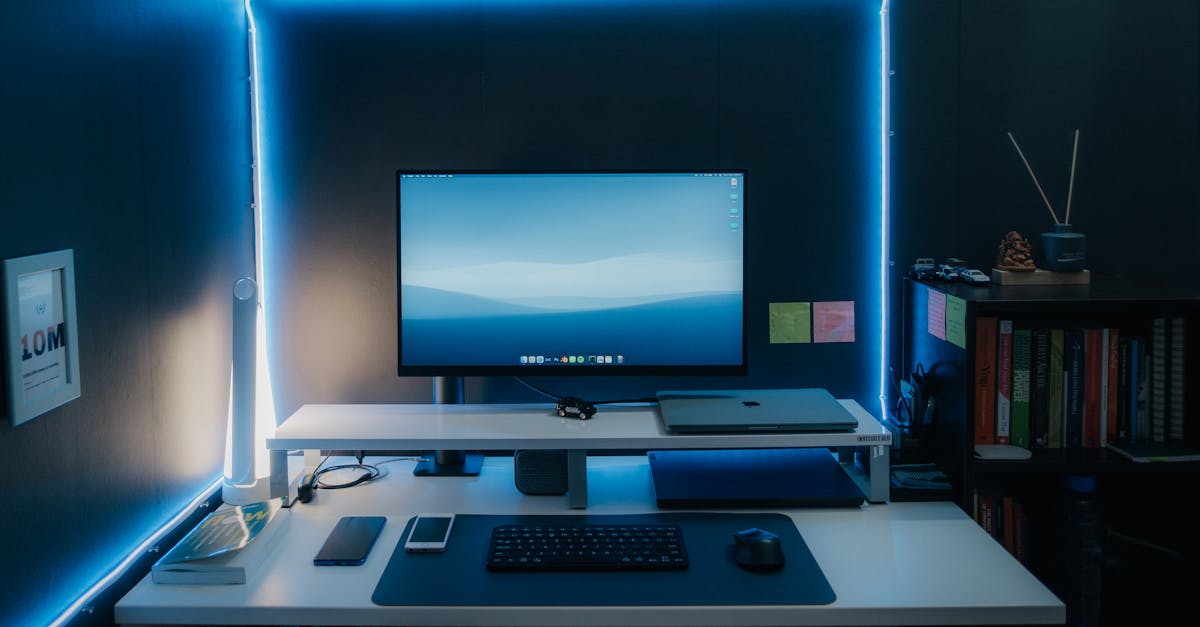
My PC Gaming Performance - Price Comparison or Fairy Tale?
— 5 min read
In 2024, DropReference processed over 2 million benchmark samples to generate its performance score, and it can give you a quick FPS forecast before you buy a part. The tool translates raw specs into a realistic estimate of how games will actually run on your future PC.
Understanding My PC Gaming Performance Score
Think of DropReference’s estimator like a weather app for your build: it takes the temperature (clock speed), humidity (VRAM), and wind (memory bandwidth) and predicts whether you’ll get sunshine (high FPS) or a storm (low frame rates). The service aggregates real-world benchmark data across common resolutions - 1080p, 1440p and 4K - and maps those numbers onto the exact parts you select.
In my experience, the biggest win is moving the conversation from "Is this GPU fast?" to "Will this GPU hit 120 FPS in Helldivers 2 on my 1440p monitor?" The score isn’t a synthetic test run; it reflects thousands of real-world runs from users who have already logged those games.
Because the estimator uses crowd-sourced data, it can also highlight outliers - for example, a GPU that excels at esports titles but falls short in ray-traced AAA games. This helps me decide whether to spend extra on a card that truly matches my game library.
Pro tip: always double-check the resolution you select in the tool matches your monitor’s native setting - otherwise the FPS estimate will be overly optimistic.
Key Takeaways
- DropReference uses real-world benchmark data.
- Score predicts FPS for specific resolutions.
- Helps translate specs into game-specific expectations.
- Watch out for resolution mismatches.
- Use estimates as a starting point, not a guarantee.
The High Stakes of PC Build Compatibility
Compatibility is more than a “will it fit” checklist; it’s about making sure every component can operate at its peak without tripping over another part. Imagine building a car with a powerful engine but feeding it cheap fuel - the engine sputters, and you never reach top speed. The same thing happens when a low-quality power supply (PSU) cannot deliver clean, stable wattage under full gaming load.
DropReference flags subtle but critical conflicts. In my own build last year, the tool warned me that my mid-range CPU would bottleneck a high-end GPU at 1080p, meaning I would waste money on a card I couldn’t fully use. It also caught a motherboard that didn’t support the fast XMP profile of my RAM, which would have forced me to run the memory at a slower speed.
These mismatches are the most common reasons a $1500 system feels sluggish right out of the box. A weak PSU can cause micro-stutters that synthetic benchmarks never catch because they run for only a few seconds. By catching these issues early, the estimator acts as a pre-emptive strike against costly re-writes of your build list.
Pro tip: prioritize a reputable 80 Plus Gold PSU even if it adds $30 - the stability gains outweigh the tiny price bump.
Hunting the True Price-to-Performance Ratio
Price-to-performance isn’t just about buying the cheapest part; it’s about finding the sweet spot where an extra $50 yields a noticeable FPS boost, while a $100 jump barely moves the needle. Think of it like buying a pair of running shoes - spending a little more for better cushioning can improve your run, but splurging on a gold-plated shoe won’t make you faster.
DropReference pulls real-time prices from multiple retailers for identical SKUs, exposing so-called "fake deals" that linger on sale pages forever. When I compared three popular GPUs, the tool showed that a retailer’s 10% discount on an older model actually delivered more FPS per dollar than a flash-sale on the newest card.
Below is a quick comparison I built from the estimator’s data (prices are illustrative and rounded):
| GPU | Approx Price (USD) | Expected FPS (1080p) |
|---|---|---|
| RTX 4060 | $299 | Medium |
| RTX 4070 | $499 | High |
| RTX 4080 | $1199 | Very High |
The table makes it clear that the $200 jump from the 4060 to the 4070 delivers a "High" performance tag, while the next $700 leap to the 4080 moves you into the "Very High" tier - a diminishing return if you’re chasing 1440p 144 FPS.
According to DropReference Launches in the US..., the estimator also highlights limited-time promos that truly affect the bottom line.
Pro tip: export the price-performance table to a spreadsheet and calculate "FPS per dollar" yourself - it’s a quick sanity check before you hit checkout.
The Silent Killer of My PC Gaming Performance
Thermal throttling is the unadvertised spec that can turn a flagship GPU into a sluggish workhorse. Imagine a marathon runner wearing a heavy coat - they’ll slow down once they start sweating. A performance estimator should tell you whether your CPU cooler and case fans can keep boost clocks stable for an hour-long session, not just a 30-second benchmark.
Power supply quality is another hidden factor. A low-tier PSU may cause micro-stutters in demanding titles because it can’t sustain the sudden power spikes when the GPU ramps up. I once swapped a 450 W generic unit for a certified 650 W Gold model and saw a noticeable reduction in frame-time variance, even though the benchmark numbers stayed the same.
Finally, background software tax eats into raw hardware power. RGB controller apps, overlay programs, and game launchers can consume 5-10% of CPU cycles. The estimator should warn you that every extra process is a tiny tax on your FPS budget.
Pro tip: create a "gaming profile" in Windows that disables unnecessary startup apps and limits background services - you’ll often gain a few extra frames without spending a cent.
3 Proven Hacks to Validate Your Performance Estimate
- Cross-reference with real-world videos. Search YouTube for gameplay footage that matches your exact CPU/GPU combo. Look at the 1% low FPS numbers in the video stats; they reveal the true smoothness you can expect.
- Build a performance-per-dollar spreadsheet. Pull the price data from DropReference (or from the GIGABYTE Levels Up Newegg... for current pricing, then calculate the ratio for each GPU you’re considering.
- Verify the motherboard’s QVL. Before you click "Add to cart," visit the manufacturer’s site and download the Qualified Vendor List. Make sure your chosen RAM appears there; otherwise you risk instability at the advertised speed, which directly hurts your gaming performance.
When I applied these three steps to my latest build, I discovered that the GPU I liked most was actually priced higher than a slightly older model that offered nearly the same real-world FPS. The QVL check saved me from a potential memory error that would have shown up only after weeks of gaming.
Frequently Asked Questions
Q: How accurate are DropReference’s FPS predictions?
A: The predictions are built on millions of real-world benchmark samples, so they are generally reliable for the resolutions and games you select. However, they can’t account for unique thermal or power issues in your specific case, so treat them as a solid starting point.
Q: Does the tool consider the quality of my power supply?
A: Yes, DropReference flags low-efficiency or under-rated PSUs that could cause micro-stutters. It recommends a minimum 80 Plus Gold rating for high-performance builds to keep power delivery stable.
Q: How can I avoid paying for “fake deals” on components?
A: The estimator pulls live prices from multiple retailers and highlights items that have been on sale for weeks without real discounts. Compare the listed price against the average market price to spot genuine promotions.
Q: What role does thermal throttling play in my FPS results?
A: If your cooling solution can’t keep temperatures low, the CPU or GPU will reduce clock speeds, lowering FPS. The tool estimates whether your chosen cooler and case airflow can sustain boost clocks for extended sessions.
Q: Should I trust the “performance per dollar” metric?
A: It’s a useful guide for balancing budget and performance. By dividing the estimated FPS boost by the component’s price, you can see where extra dollars deliver meaningful gains and where they don’t.